
Let me be straightforward with you.
Artificial intelligence is not limited only to engineers or big tech companies. In 2026, businesses, bloggers, freelancers, and students are using AI solutions to increase productivity and save time.
For a long time, I had doubts about AI tools. Every few months, something new is meant to “change everything,” yet, for the most part, it doesn’t. I rolled my eyes as others around me began talking about ChatGPT, Canva AI, and everything else.
Then I actually tried them.
And yeah. Things are different now.
I’m not talking about AI-replacing-human differences. I mean—the annoying, time-sucking parts of work? A lot of them are just… gone. Or at least much faster. Whether you’re a student pulling an all-nighter, a freelancer juggling three clients, or someone running a small business mostly on their own, these tools can genuinely help.
Here are seven that I think are worth your time in 2026. Most of them are free, or at least have a free version that’s actually useful.
1. ChatGPT—Think of It as a Brilliant (But Lazy) Friend

OpenAI developed the AI chatbot ChatGPT. It was first released in November 2022. In reply to user commands, it generates text, audio, prompts, and pictures using generative pre-trained transformers like GPT-5.2.
Everyone has heard about it. Not everyone makes good use of it.
Those who criticize ChatGPT for providing dull or generic responses typically pose dull or generic queries. “Write me a blog post about wellness” will give you exactly what you’d expect—something forgettable, flat, and kind of hollow.
But ask it something like, “I want to write about why most people quit the gym in January. Help me find a fresh angle that most fitness blogs miss,”—and suddenly it gets interesting.
That’s the shift. Stop treating it like a machine. Talk to it. Push back. Tell it when something sounds wrong. Ask again and again to get better results.
Use it for brainstorming, drafts, outlines, email responses, and simply breaking out of a rut when your brain won’t cooperate. Your best work won’t be written by it. However, it will enable you to produce more of your greatest work more quickly.
2. Canva—Good Design Used to Cost Money. Now it doesn’t.
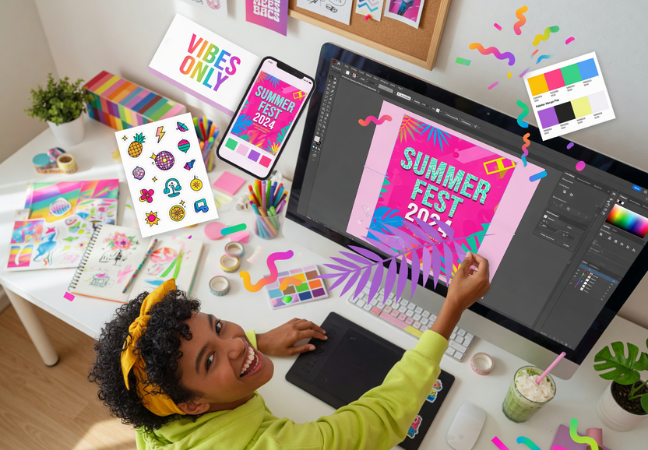
The goal of the online design and publishing platform Canva is to enable everyone on the planet to create anything and publish it anywhere.
A few years ago, you had to either hire a designer or spend weeks studying Photoshop if you wanted a clean social media graphic or a thumbnail that looked professional.
That was altered by Canva. And in 2026, its AI capabilities have advanced it much further.
You can create an image and type a description. With just one click, resize a design for YouTube, Pinterest, LinkedIn, and Instagram. Build a presentation that actually looks good—without touching a single font setting manually.
Is its power comparable to that of professional design software? No, does it meet 90% of the needs of bloggers, students, and small company owners? Without a doubt.
3. Grammarly—Small Errors, Big Consequences
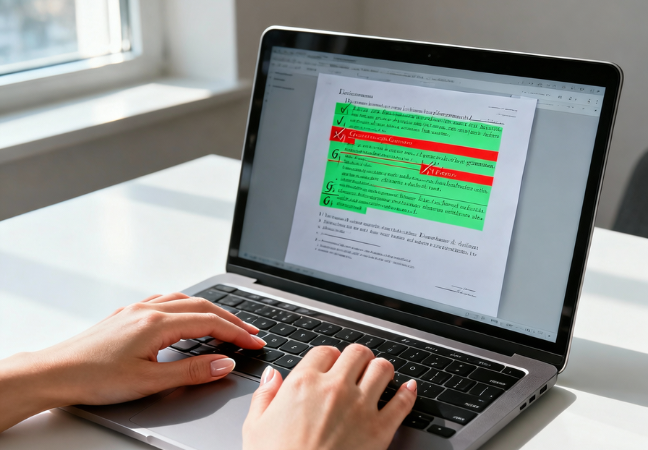
Grammarly is a writing tool for English that was created in the US. It started out as a tool to identify possible instances of plagiarism and to analyze a piece of writing for spelling, punctuation, and tone.
Grammar mistakes and typing errors will damage your credibility, which is something that nobody really talks about. It’s unjust, but it’s true. If you make one humiliating error in an important email or a published piece, your entire message suddenly loses meaning.
Grammarly quietly sits in the background and catches up on the subtleties your eyes miss after you’ve read your own writing ten times. Commas are positioned incorrectly. odd wording. In that one sentence, you used “their” and “there” in the wrong order.
It goes further than that, too. It detects tone and alerts you when a statement is overly complex or when something seems harsher than you intended. Regular writers see writing as more of a habit than a tool. An excellent one.
4. QuillBot—When the Idea Is Right But the Words Aren’t
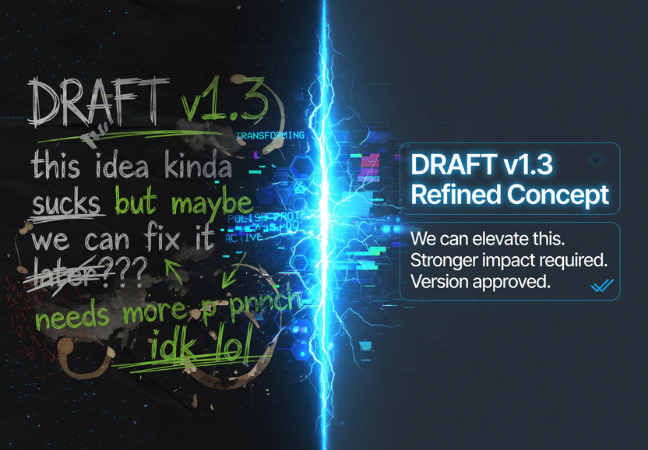
QuillBot is an AI-powered writing tool designed to help users improve, rewrite, and refine their content. It’s used by students, professionals, and content creators who need to paraphrase text, check grammar, summarize long passages, or cite sources quickly.
Some days you know exactly what you want to say. You just can’t figure out how to say it without sounding stiff or repetitive.
That’s QuillBot’s whole purpose. Paste in your sentence or paragraph, and it rewrites it—cleaner, more natural, and sometimes in a completely different structure that somehow works better than what you had.
I think of it as a “readability pass.” You’ve already done the thinking. QuillBot just helps the words catch up. A lot of bloggers use it near the end of their process, right before they publish, to smooth out the rough edges.
5. Pictory—Your Words, Now in Video Form

An AI video program called Pictory makes the process of making videos easier. It transforms scripts into high-converting video sales letters, turns blog entries into captivating videos, automatically adds captions to videos, and extracts important information from lengthy videos using sophisticated algorithms.
People watch more than they read. That’s just where things are right now.
Pictory takes written content—a blog post, an article, even a script you typed out—and turns it into an actual video. It finds matching visuals, puts text on screen, and can even add a voiceover. All without you touching a camera or a video editing timeline.
The smartest way to use it? Content you’ve already written. Take your best blog posts and run them through Pictory. Now you’ve got YouTube content, Instagram Reels, and LinkedIn clips—without writing a single extra word.
That’s not working harder. That’s just working smarter.
6. Notion AI—For When Your Brain Has Too Many Tabs Open

Notion is a single space where you can think, write, and plan. Capture thoughts, manage projects, or even run an entire company—and do it exactly the way you want.
Notion started as a note-taking app. A really good one. But the AI version feels like a genuine upgrade to how you think and plan—not just where you store things.
You can throw a messy page of notes at it and ask it to organize them. Ask it to help you plan out a content calendar. Tell it you have a vague idea and ask it to help you flesh it out. It works right inside your workspace, which means no switching between five different apps just to get one thing done.
For bloggers especially managing topics, drafts, deadlines, and ideas that come at 11 pm, Notion AI acts like a second brain. A calmer, more organized one than the one inside your skull.
7. Surfer SEO—Because Writing Well Isn’t Enough
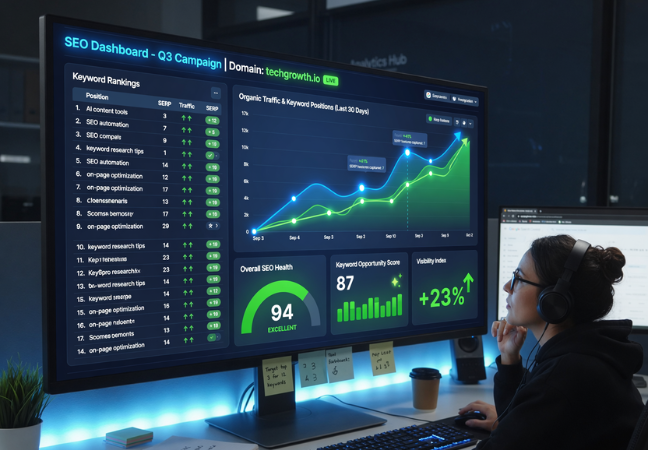
Surfer SEO is a content optimization and analysis tool that looks at the top-performing websites for a specific keyword and provides data-driven recommendations to help you improve your own content.
Anyone who creates material and genuinely wants people to find it should read this one.
The annoying reality of blogging is that, if an article isn’t search engine optimized, it can be truly excellent and yet receive no traffic. Surfer SEO eliminates the uncertainty. It determines what your article should contain, how long it should be, and how to organize the headings by looking at what is already ranking for your target keyword on Google.
It gives you a live score as you write. So instead of finishing an article and hoping it ranks, you know before you publish whether it has a real shot.
For anyone building a content-based business or blog, this is probably the most practical tool on this whole list.
Here’s the Thing About All of These Tools

They’re only as good as the person using them.
AI can draft. It can suggest. It can organize, optimize, resize, and rephrase. But it doesn’t know your story. It doesn’t know why you started your blog, what your readers actually struggle with, or what you genuinely believe about your topic.
That part is still yours. And honestly? That’s the part that makes people actually come back.
It’s not the bloggers and independent contractors who are using AI to achieve tangible results that are giving the computer complete control. In order to free up more time and energy for the work that only they can do, they are the ones that use it to handle the boring tasks.
So, where do you start?
 Pick one tool from this list. Just one—whichever solves your task easily right now. Use it for two to three weeks. Get comfortable.
You don’t need all seven running at once. You just need to start somewhere.
Work is changing. That’s not scary—it’s actually kind of exciting, if you’re willing to keep up with it.
Nice🙌🙌